Why Do Printed Colours Change After Drying?
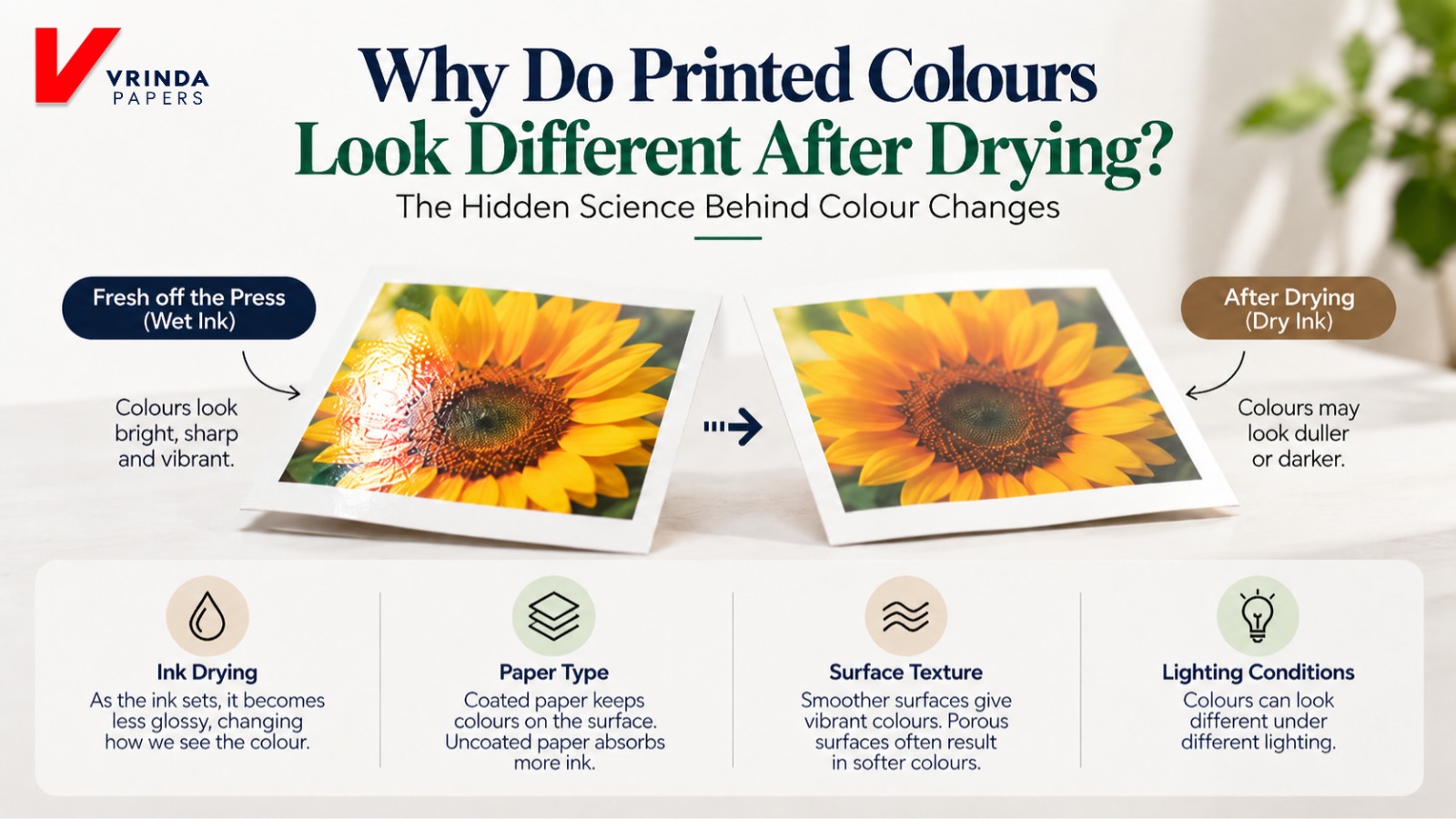
Why Do Printed Colours Look Different After Drying? The Science of Dry-Back
Why do printed colours change after drying? This phenomenon, known as dry-back in printing, occurs when the appearance of ink changes as it sets and dries on paper. Differences in paper absorbency, coating, ink formulation and surface gloss can make printed colours appear duller or darker than they did immediately after printing. Understanding dry-back helps printers maintain colour consistency, select suitable paper and reduce printing waste.
Why Do Printed Colours Look Different After Drying? The Hidden Science Behind Colour Changes
The Colour Looked Perfect. So What Changed?
Imagine printing a colourful brochure or a premium packaging box.
Fresh off the press, the colours look bright, sharp, and vibrant.
But after drying, something changes.
The red looks duller. The blue appears darker. The black loses some of its shine.
Same ink. Same paper. Same design. So why does the colour change?
The answer lies in a printing phenomenon called dry-back.
Let's Paper Decode the science behind it.
1. What Is Dry-Back in Printing?
Dry-back is a change in the appearance of printed colours as the ink sets and dries.
Fresh ink often looks glossy because its wet surface reflects light differently.
As the ink dries, its gloss and surface characteristics may change, making colours appear duller or darker.
Paper Sense: The colour you see immediately after printing isn't always the colour you'll see on the finished product.
2. How Does Paper Affect Printed Colours?
Paper plays a major role in how ink behaves.
Uncoated paper generally absorbs more ink vehicle, while coated paper helps keep more colour-forming material near the surface.
This affects colour intensity, sharpness, and gloss.
Coated Paper Uncoated Paper
• Smoother surface • More porous surface
• Often produces vibrant colours • Often produces softer colours
• Generally sharper print • More matte appearance
Paper Logic: Even the same ink can look different when printed on different paper surfaces.
Also Read: Why Do Luxury Brands Use Thick Paper Boxes?
3. Why Do Colours Lose Their Shine?
Think about how a wet surface often looks shinier than a dry one.
Printed ink can behave similarly.
As the ink sets or dries, the surface may become less glossy, changing how light reflects from it.
The pigments haven't necessarily disappeared. The way we see the colour has changed.
This is why a freshly printed sheet may look different after drying.
4. Does GSM Affect Colour Changes?
Not directly.
GSM measures paper weight, but it doesn't tell you how the surface will interact with ink.
Two papers with identical GSM may have different coatings, smoothness, porosity, and absorbency.
These differences can affect colour reproduction and dry-back.
The Finish Code: Paper surface quality matters just as much as paper weight when achieving consistent printed colours.
5. Is It Always an Ink Problem?
Not necessarily.
When colours change after drying, printers often suspect the ink.
But several factors may contribute:
- Paper absorbency and coating
- Ink formulation and drying method
- Ink film thickness
- Printing conditions
- Lighting during colour inspection
Even the same printed sheet can appear different under different lighting.
Paper Precision: Consistent colour requires the right combination of paper, ink, and printing conditions.
6. Paper Hack: How Can Printers Reduce Dry-Back?
A few practical steps can improve colour consistency:
1. Choose suitable paper: Check its surface quality, coating, and absorbency.
2. Control ink application: Maintain consistent ink transfer and press settings.
3. Check dried samples: Evaluate colours after the appropriate drying or curing time.
4. Use proper colour profiles: Match settings to the paper and printing process.
5. Maintain consistent lighting: Compare printed samples under standardised conditions.
The goal is to make the final printed colour predictable, not just attractive when it first leaves the press.
Great Printing Depends on More Than Ink
Printed colours are influenced by how ink interacts with paper, how it dries, and how the finished surface reflects light.
That's why choosing the right paper matters for colour consistency, print quality, and reducing unnecessary wastage.
At Vrinda Papers, we believe understanding paper behaviour helps printers achieve more reliable results.
Because great printing isn't just about how colours look on the press. It's about how they look after drying.
Have you ever noticed printed colours becoming duller after drying? Do you think the problem starts with the ink or the paper?